
I have this app on my iPad called Pixel Art Maker that is able to take any photography or image I have stored on my iPad and turn it into pixel art. It also allows me to edit it further by adding more pixels of various colors into the graphic or create something from scratch.
This really opened me up to the world of graphic design using pixels. Pixel art, is very popular right now amongst gamers and is being used in modenr games to make them look retro. Thus, it is interesting experimenting with this art style.
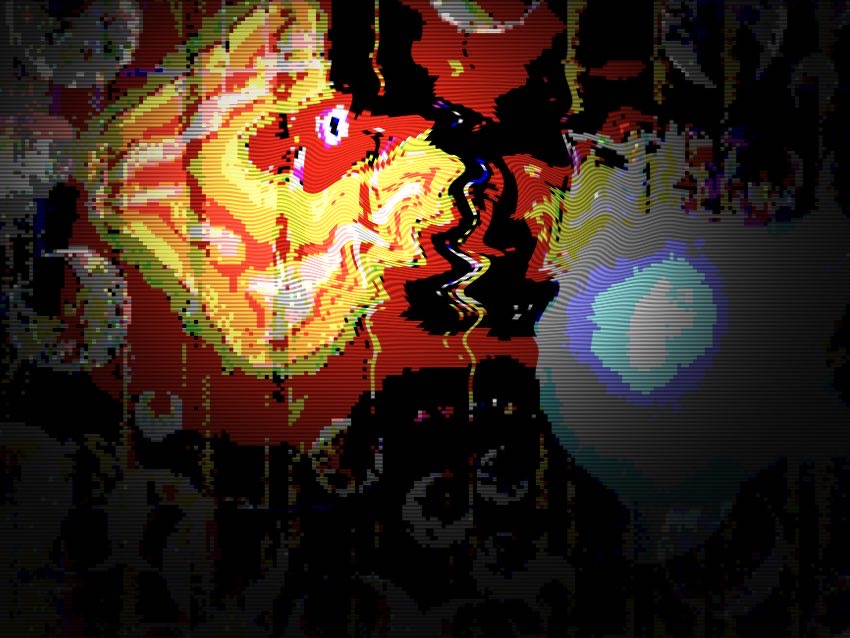
I have recently turned one of my Luzztro techno club graphic design ideas for posters into a pixelated form. Here is how it turned out:
Because of the fact the Luzztro image has the text Luzztro displayed (I created in Procreate brush) and I wanted it as a specific poster type of image or logo and without any logo or text showing, I decided to try finding an image I had saved before any of the text was inserted. I could not find anything too current and related to the image you see in pixels above, but found this piece I had created before those revisions:
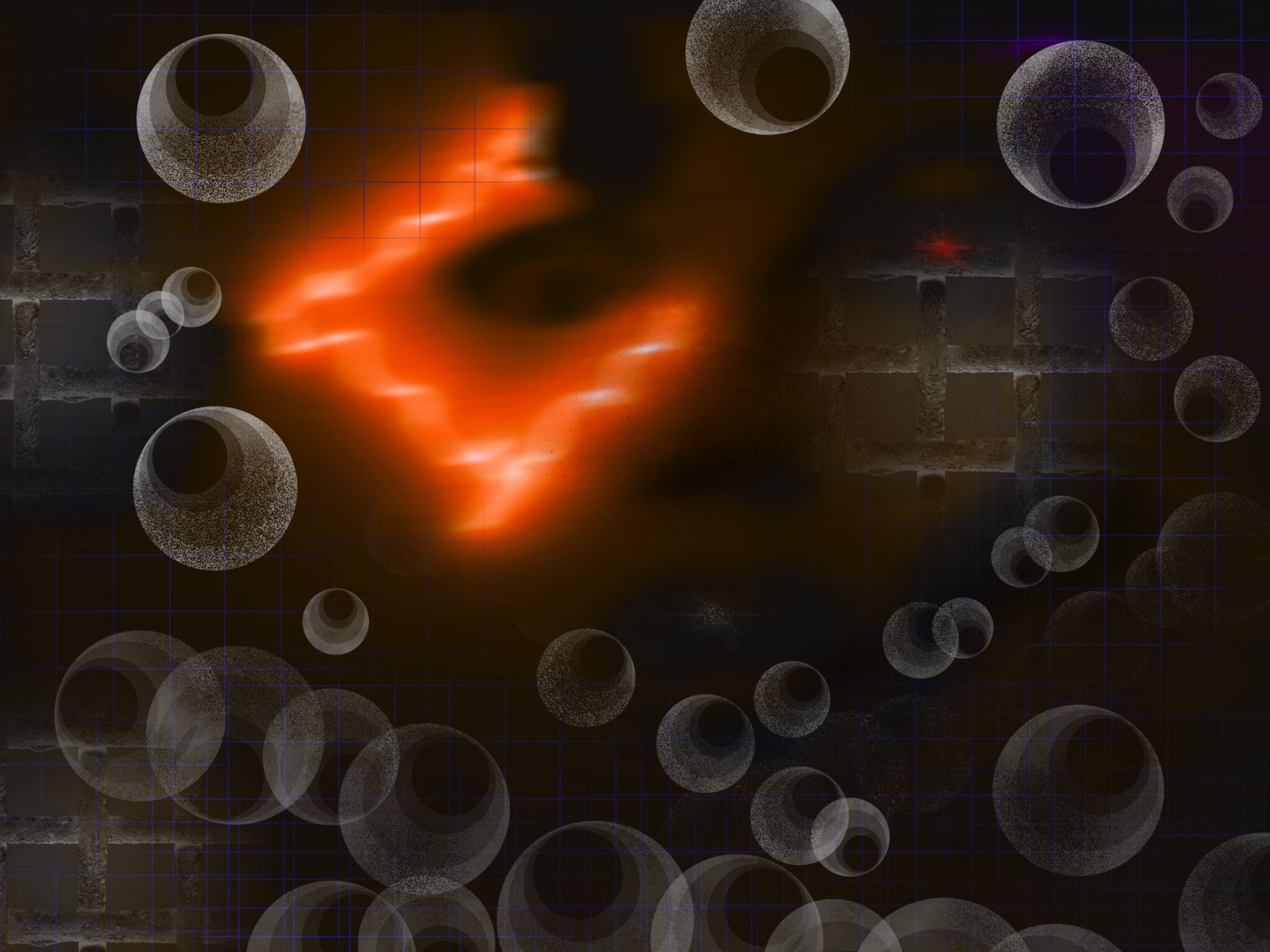
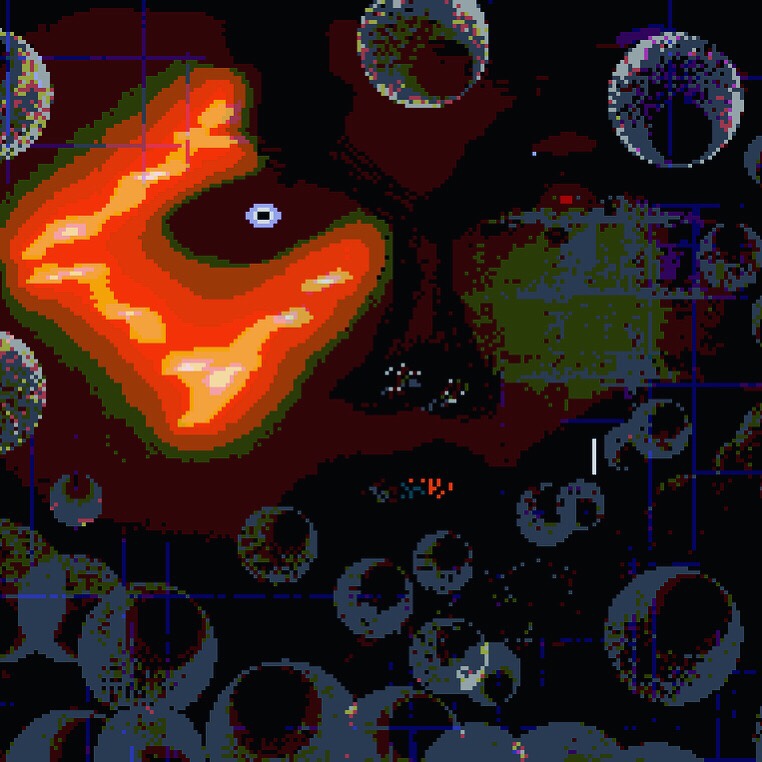
I liked the pixelated look a lot, so this is what I decided to work further on.You will see below some of the results as well as further work on it I did using Illustrator as I kept transferring the image back and forth my iPad and Macbook. The only thing left from the original photography inside the nightclub that remained is the eye and overall shadow or shape of the face. Once I turned it into pixel art, that was totally changed as I expanded onto it with the pen tool and additional Illustrator options.
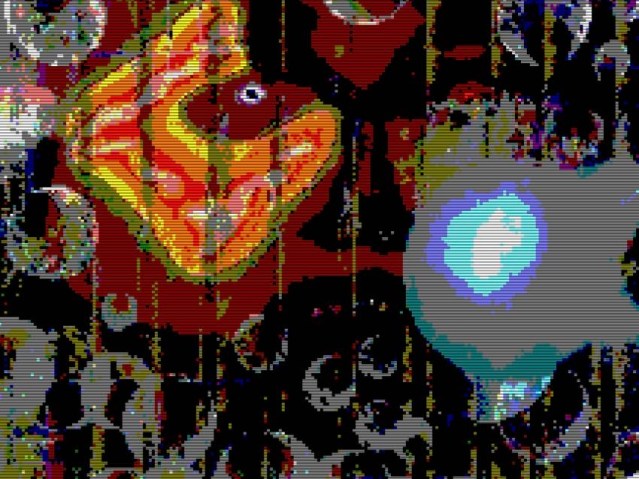
When I inserted the image into PixelArt, I also added various things to it like a new nose. Here is the pixel image that transpired:

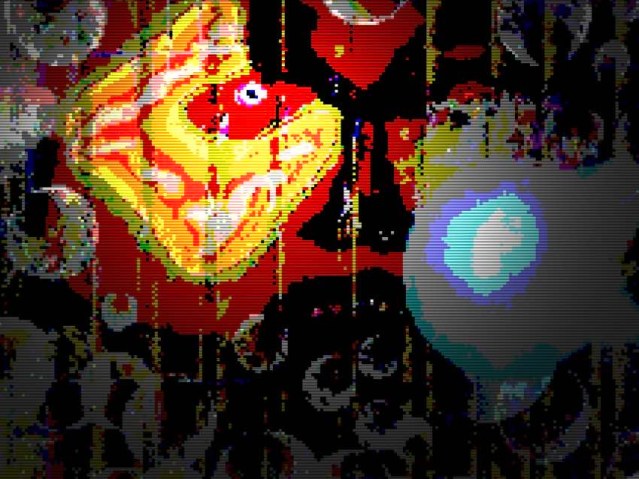
I ran this image into Instagram using a filter I really like (second from left) and something called “structure” which I turned to full notch. It made the entire image more vibrant, however due to Instagram’s focus on smartphone resolutions, it cropped in a way I didn’t really like. Anyway here is how it turned out:
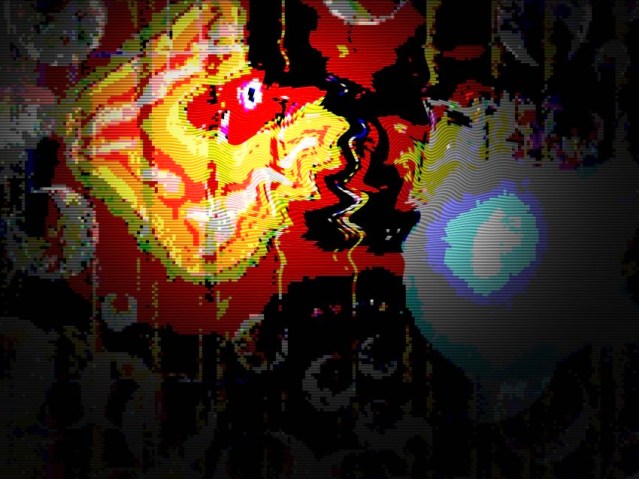
I liked what I saw, however I decided to work with it further and placed it into Illustrator to see what the sketch function could do to it. I also added a vector bubble which disappears with a gradient into the background for an added effect. I then, ran an effect or filter on it related to texture. Oh, and I added a bit of a background to make it look like a poster on a wall and used a tool (sheer I believe) to rip some of the edges off making it appear a bit worn on top of a shadow to the whole image. Here is how it turned out:
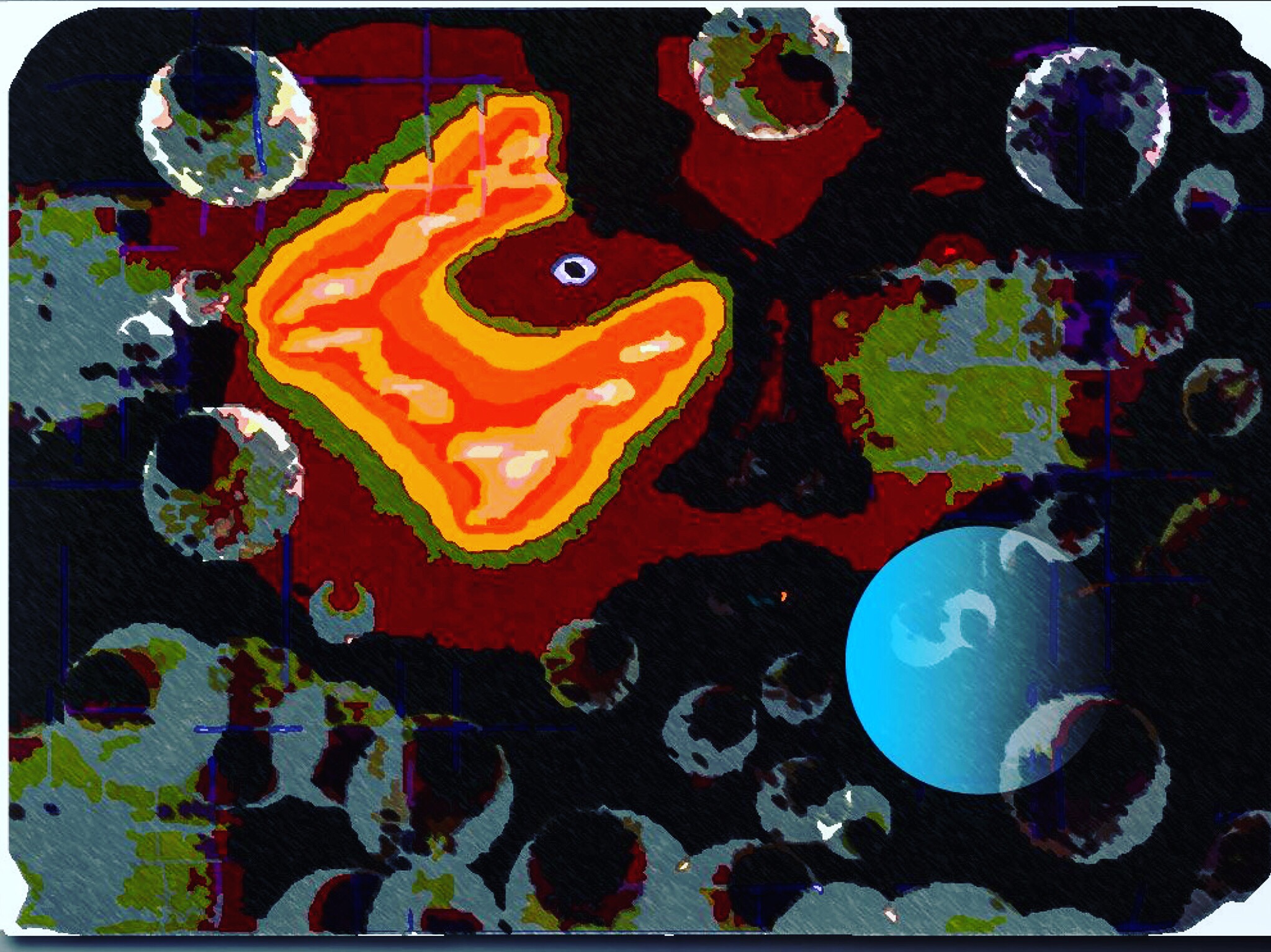
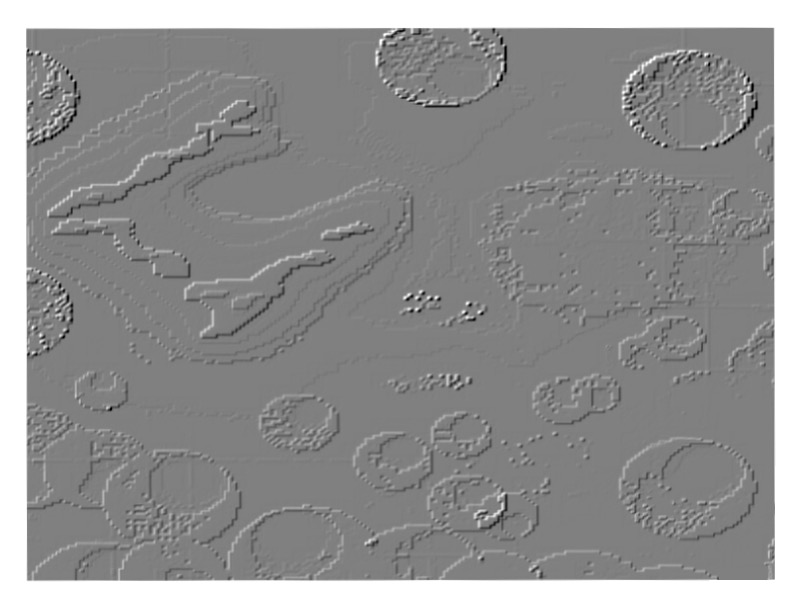
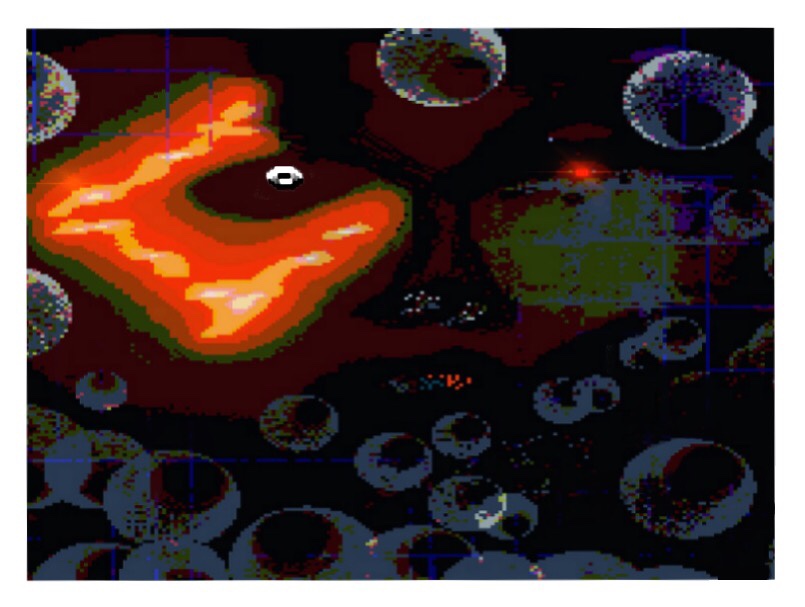
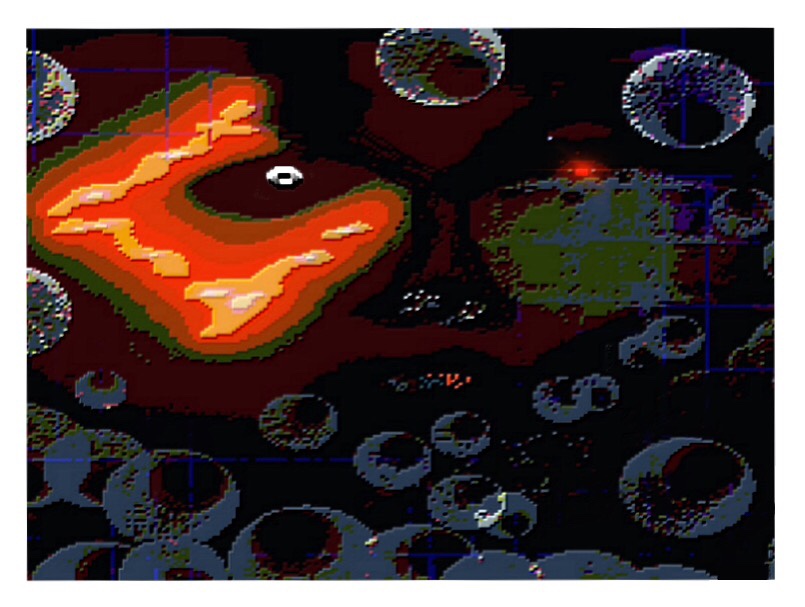
I then decided to keep working on it in Illustrator and later as a raster image using Artstudio for iPad or Artstudio HD. This was mostly because I did not like how Procreate’s blue grid had turned out after all the transformations from pixel art to Illustrator and it did not look like a grid anymore, but random blue lines mixing within the graphic. I took them out using Illustrator’s pen tool and exported the image to my iPad for further work. Here are those images that I later created:
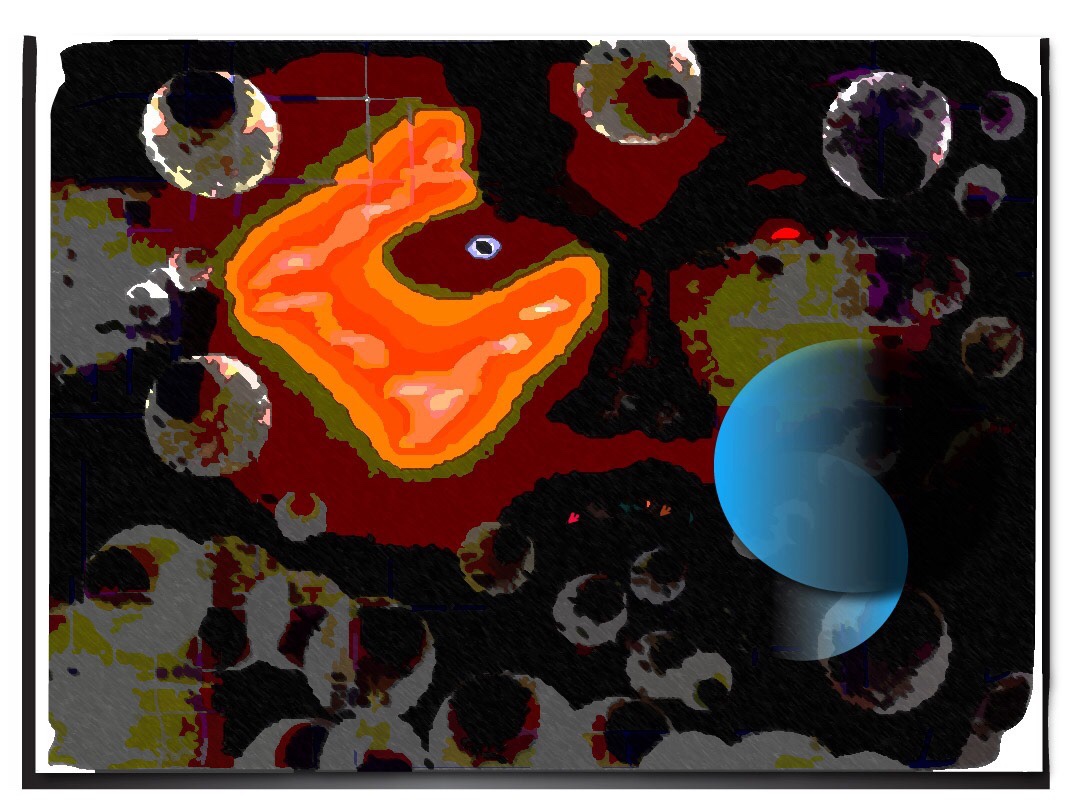
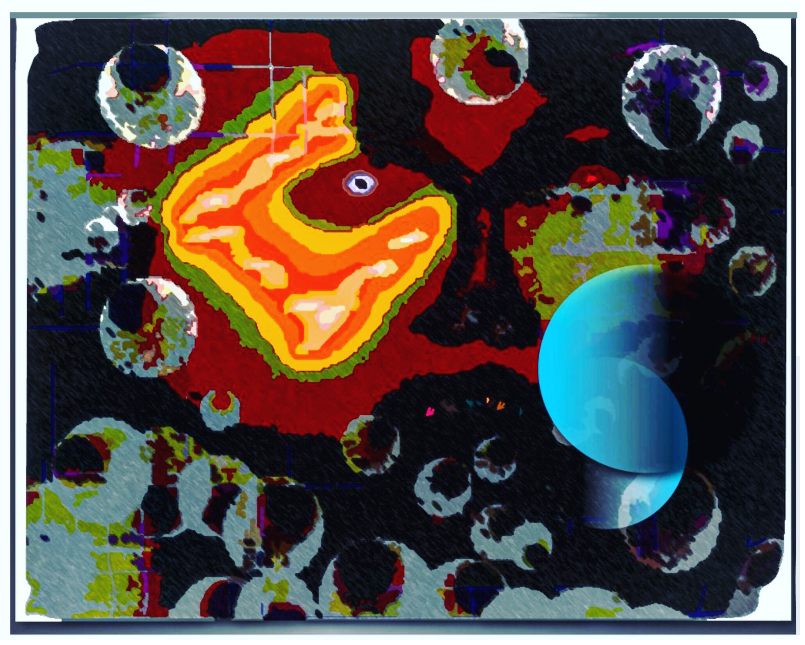
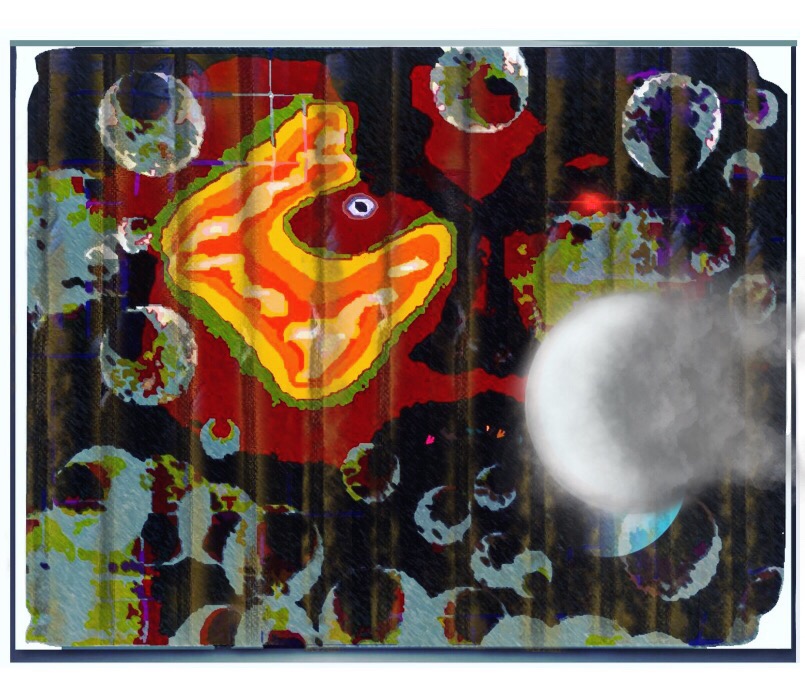
The last image I added some background to due to Illustrator’s sheer tool messing some of it up while doing a good job on the front image’s edges. However, this is still a work in progress and I will probably go back to the last image I had done in Illustrator before importing it into my iPad and work on it further. I also reverted the eye back to the original a bit as I expanded it using the pen tool, but didn’t really like how it turned out.
The idea behind it now I think is a poster of sorts that could be used either in front of a nightclub, to advertise a nightclub or even a movie, book or video game. I will keep working on it, however, and try some different Illustrator filters and the use of drop shadow. For now, I hope you enjoyed what I created thus far.
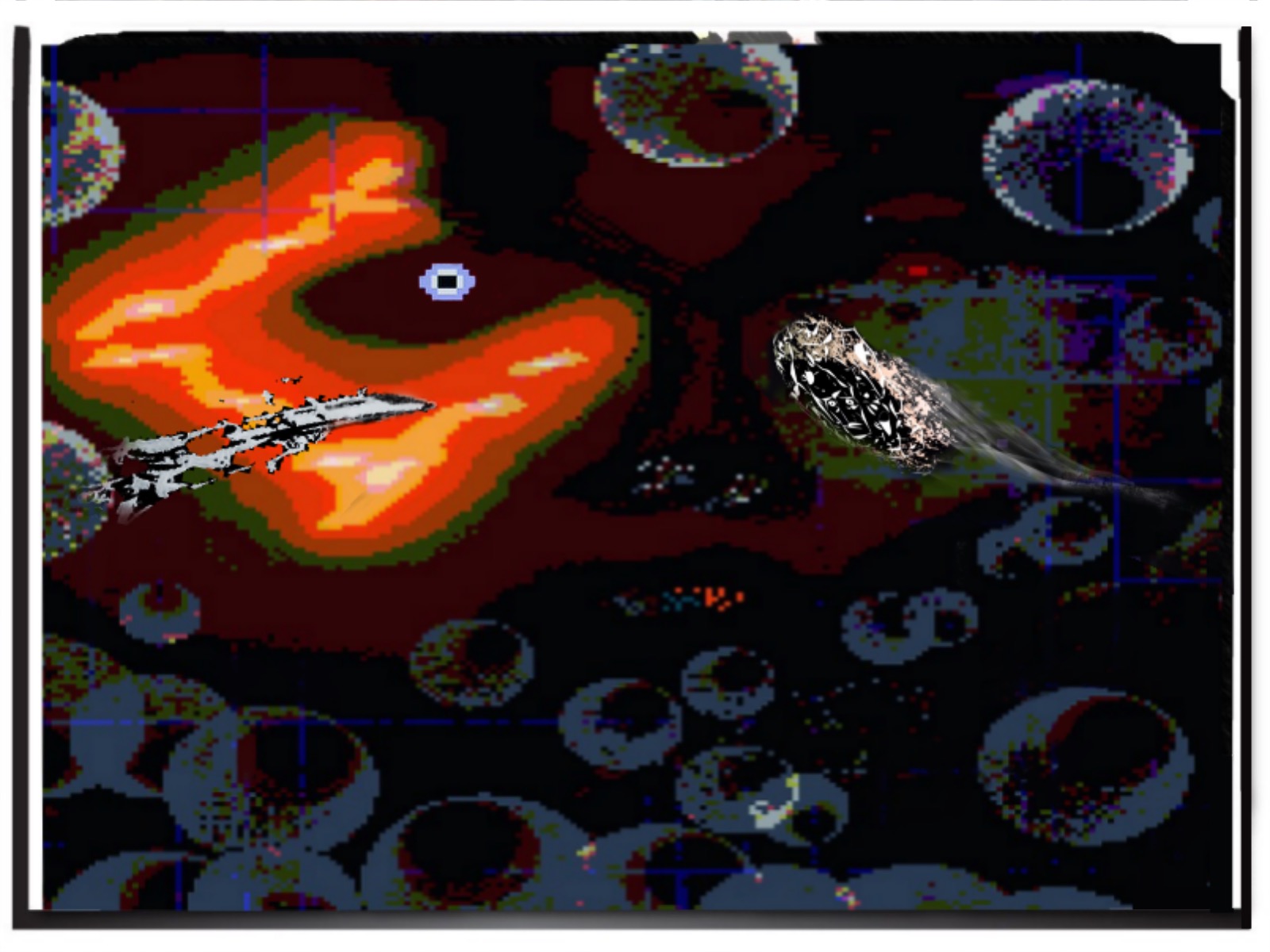
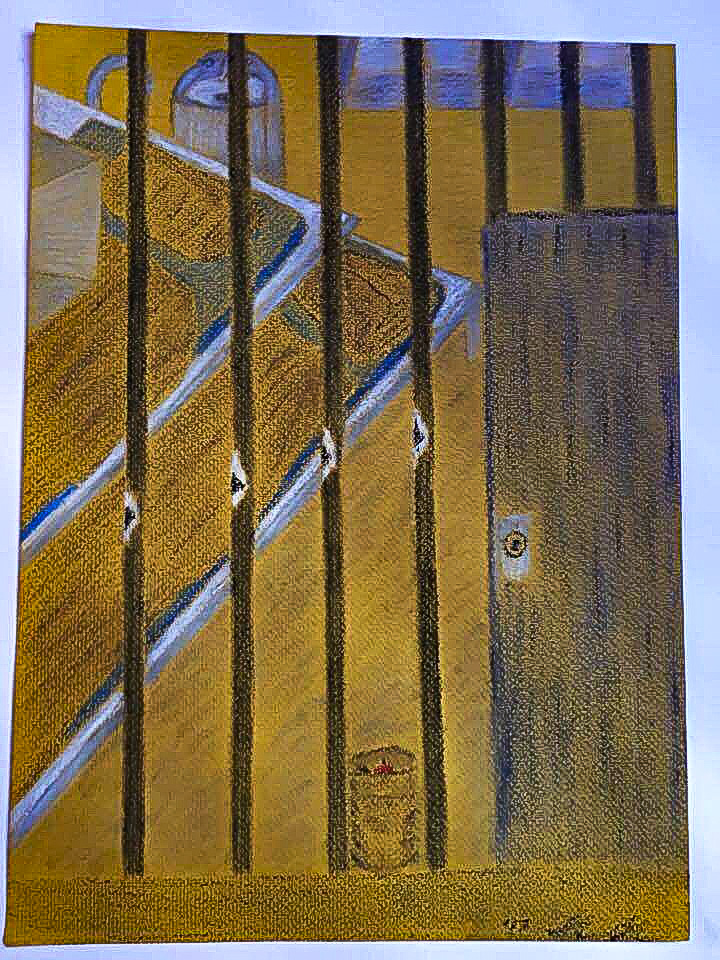
I have also tried adding a pastel-based (soft) hand drawn piece into it with a lowered opacity for an interetsing effect. You can see this pastel work I added to the graphic below in the Artwork section of the site or directly here.
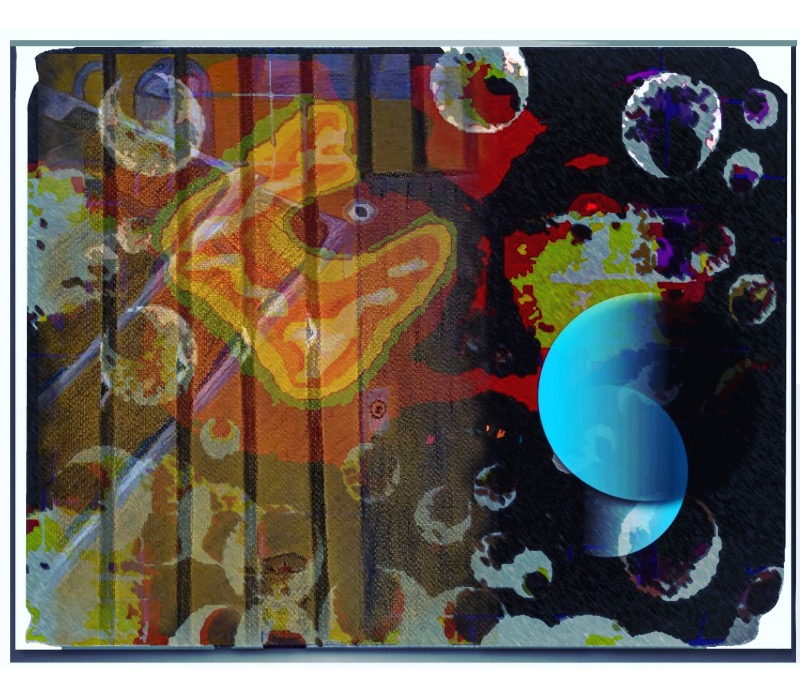
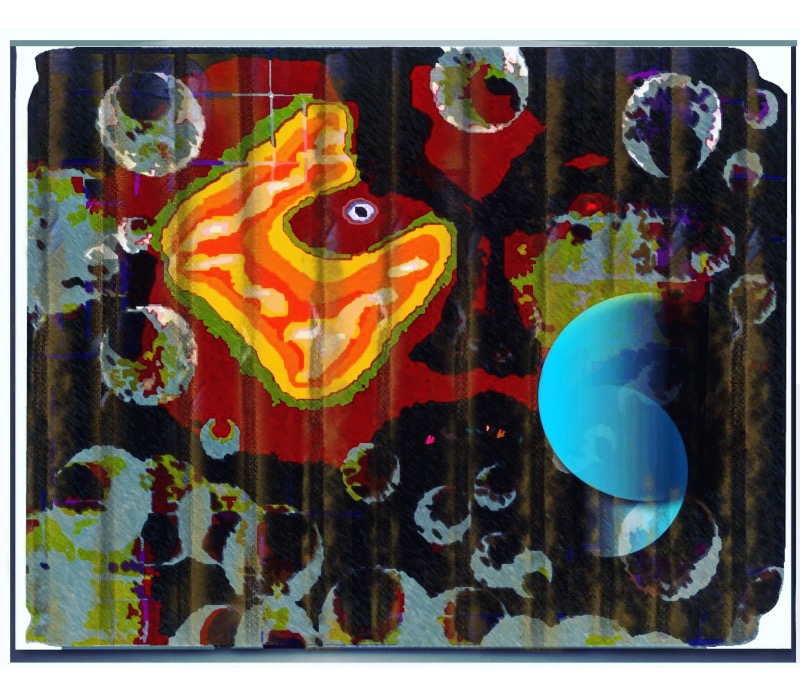
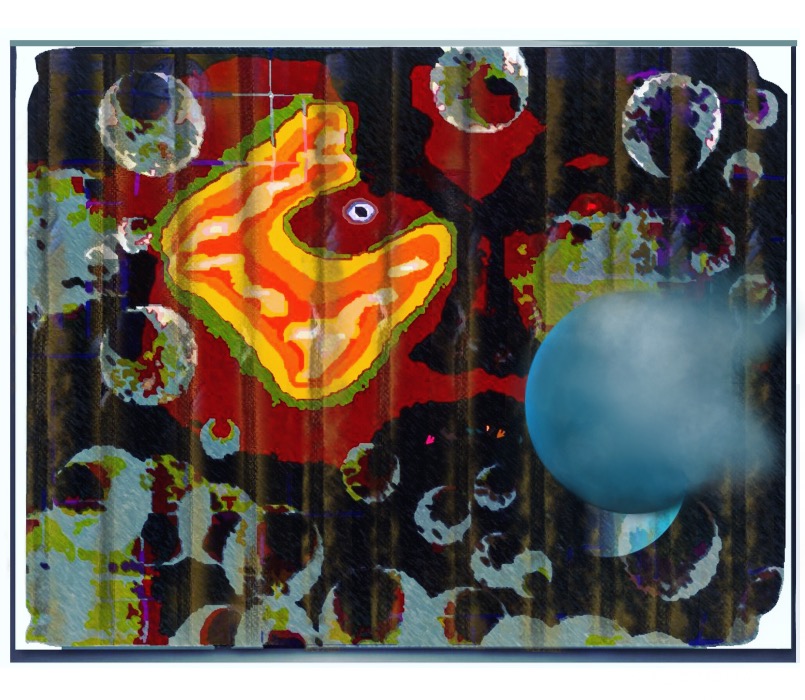
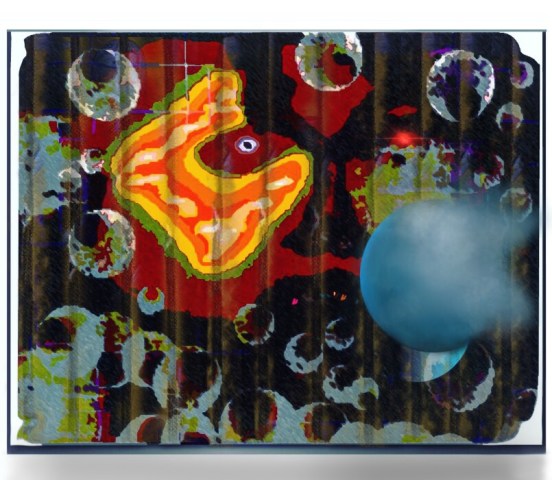
I fixed the eye a bit in the one below because it was not totally level:

 Maciej Duraj
Leave a comment